Private online client galleries for wedding and event photography
Photo delivery is the final presentation of your work, not just a place to download files. PixelPace is client gallery software for professional photographers: each client gets a private online gallery built around your photography and your studio's identity, while the software itself stays in the background.
A PixelPace client gallery is a private web page where your client views, favourites and downloads their photos. It opens with your studio's name and a cover photo you choose, keeps a multi-day shoot organised by event, can be protected with a PIN, and works in any phone or computer browser with nothing to install.
How do PixelPace client galleries work?
You create the gallery for your client in the PixelPace desktop app and add an event for each part of the shoot. The quickest way is to import folders: each folder you choose becomes its own event. When the upload finishes, the gallery is live on the web.
To deliver it, send the gallery email from PixelPace or copy the link, with its PIN, and share it however you normally talk to clients. There is nothing to export per client and nothing for the client to install.
What your client sees
A cover that belongs to your studio
The gallery opens on a full cover: the photo you choose, the gallery title, the date and the type of event, with your studio name and, if you add them, your Instagram and Facebook profiles. PixelPace stays in the background, so the first impression is your work and your brand.
The shoot, organised the way it happened
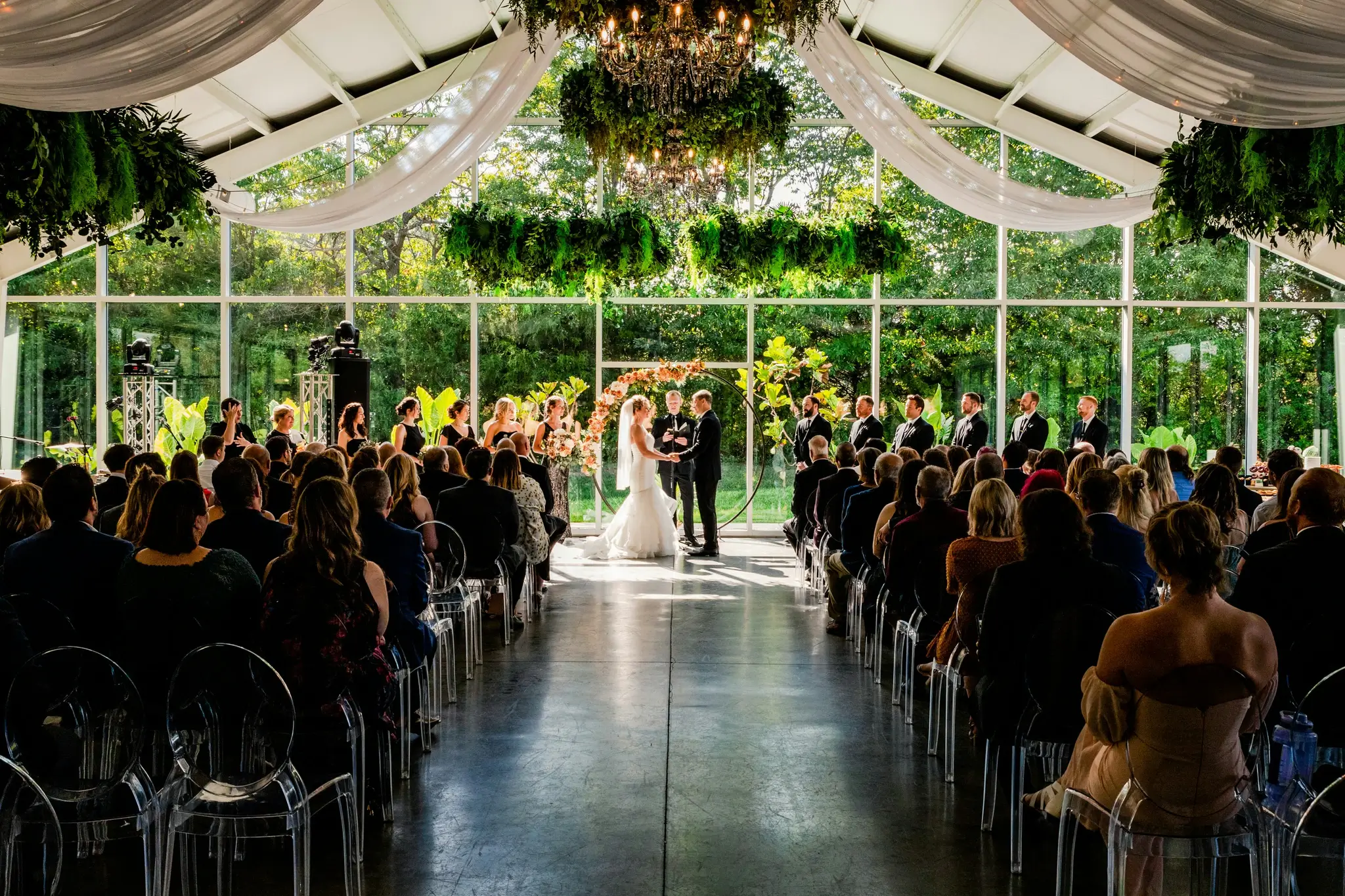
A wedding with a welcome dinner, a ceremony and a reception shows each one as its own event. Your client moves between them instead of scrolling one long stream of thousands of photos.
Viewing, favourites and video
Photos open in a full-screen viewer that clients swipe through on a phone or click through on a computer. Clients can mark favourites with the heart, or with a double-tap on a phone, and find them again in one Favourites view. Video clips play in the same gallery as the photos.
Downloads in web size or original quality
Clients can download one photo or select several and download them together, up to 50 at a time. Each download offers the quality you uploaded:
- High-resolution web size, which is quick to download and right for phones and social media.
- The original file, for printing and albums, when you upload with the Maximum Quality setting.
You choose the upload setting in the desktop app. Optimized Delivery uploads only the web versions, which is lighter on storage and slow connections. Maximum Quality uploads your originals as well.
Private galleries with a PIN
Add a PIN when a gallery should stay private, and the gallery opens only after it is entered. You can change the PIN from the desktop app, which stops the old one from working. Clients enter the PIN once, and their browser remembers it for later visits.
Galleries for guests, not just the couple
At weddings and events, most of the people in your photos are guests. PixelPace groups every person across the shoot with private people grouping. A guest who registers with a selfie gets a separate gallery that shows only the photos delivered to them, opened with their own link and PIN.
If you allow it, your client can use the gallery's People area to name guests, merge duplicates and approve photos for the people they choose. Photos guests share from their own phones appear in a separate, clearly labelled “Moments by Guests” section, so they never mix with your work. Those same guest photos can play on the venue screen during the event with Live Show.
Designed for the phone your client will open it on
Most clients open a gallery link on their phone, often straight from a message. PixelPace galleries are built for that first, with full-screen photos, large touch targets and controls within reach of a thumb, then scale up to a laptop or desktop screen.
Delivering a wedding gallery
You import the welcome dinner, the ceremony and the reception as three folders, choose the cover photo and upload with Maximum Quality. You email the couple their link and PIN from PixelPace.
That evening they open it on their phones, heart the photos they love and share a few on social media in web size. Weeks later, when they plan their album, they download the originals of their favourites from the same gallery. Meanwhile, registered guests have their own galleries and never needed the couple's link.
Frequently asked questions
Do my clients need an account or an app to see their gallery?
No. A PixelPace gallery opens in any phone or computer browser from the link you send. If you set a PIN, they enter it once and the browser remembers it.
Can clients download full-resolution original files?
Yes, when the event was uploaded with the Maximum Quality setting, which uploads your original files alongside the web versions. With Optimized Delivery, clients download the high-resolution web version instead.
Can one gallery hold a multi-day wedding?
Yes. A gallery holds as many events as the shoot needs, and your client moves between them from the gallery's event navigation.
Can I deliver video in the same gallery?
Yes. Video clips you import play in the gallery alongside the photos.
Can guests see the whole gallery?
Only if you give them the gallery link and PIN. Guests who register for an event get their own private gallery that shows only the photos delivered to them.
More of the PixelPace workflow
How PixelPace groups every person across a shoot, and why the face matching stays on your computer.
A live slideshow of guest photos at the event, with your studio name visible throughout the show.
Why PixelPace handles whole shoots in a desktop app while clients and guests use a browser.
Deliver your next gallery with PixelPace
Client galleries, guest galleries and people grouping on every plan.