A gallery presentation that matches the session, not a generic download page.
Portrait, family, maternity, and newborn clients are usually looking at one gallery, once, and deciding whether it feels worth what they paid. PixelPace gives every session its own PIN-protected gallery with a clean cover image and simple browser viewing, plus full-resolution files when a client wants to print.
Built for one client's attention, once, without the volume tooling getting in the way.
Each session gets its own link and PIN, so a family's photos aren't sitting on a shared or guessable URL.
Clients open the gallery in whatever browser they already have, on their phone or their laptop.
Switch a session to Maximum Quality uploads so a client planning an album or a large print has the original file, not just a web preview.
A returning family's newborn, one-year, and holiday sessions can sit under the same client record instead of scattered links.
A cover image and a serif title, not a folder of thumbnails
The first thing a portrait client sees is a cover photo, the session name, and a date, set by you, not a default template. It reads as a delivered piece of work rather than a raw export.
From there, the gallery opens into the full set in a browser. There's nothing for the client to download or install before they can look through their photos, favorite the ones they love, or move toward their final selections.
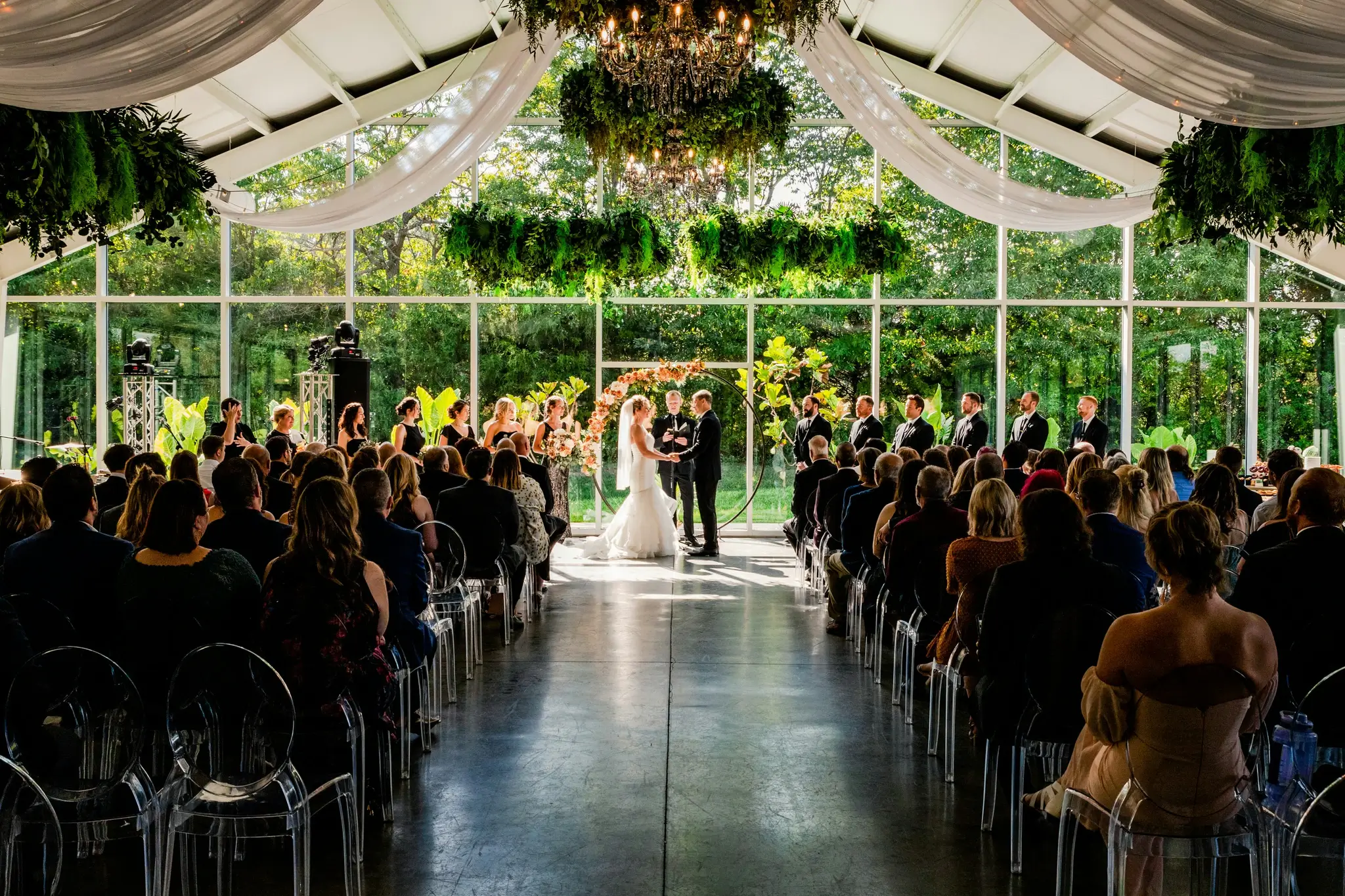
Every gallery opens with a PIN, so a family's newborn photos aren't reachable by anyone who happens to find the link. When a client is planning an album or a large print, switch that session to Maximum Quality to make the original file available alongside the preview, without re-uploading anything.
One client record for every session they book
A family that books a newborn session often comes back for a one-year, a holiday card shoot, or a milestone portrait. PixelPace keeps a client's sessions under one record, so their history is easy to find without digging through separate folders or links from different years.
Guest face-matching, built for weddings and events with large guest lists, isn't part of a typical portrait workflow. A portrait gallery doesn't need it, and nothing about the delivery experience assumes you'll use it.
Frequently asked
Can I create a private gallery for each family or individual client?
Yes. Every session gets its own gallery with a unique link and PIN that you control.
Do clients need to install an app to view or favorite their photos?
No. Galleries open in a standard browser on any device — there's nothing to install.
Can I deliver full-resolution, print-ready files to portrait clients?
Yes. Switch a session's upload setting to Maximum Quality to keep the original full-resolution file available alongside the fast-loading web preview.
Is PixelPace useful without the AI guest-matching features?
Yes. Guest matching is built for weddings and events with many attendees. A portrait studio can use PixelPace purely for private galleries, storage, and delivery without ever touching it.
Can I keep a returning family's past sessions organized together?
Yes. Add each new session as its own event under the client's existing record, so their session history stays in one place.
Related reading
Give your next session a gallery worth the wait
Private by default. No app for clients, ever.